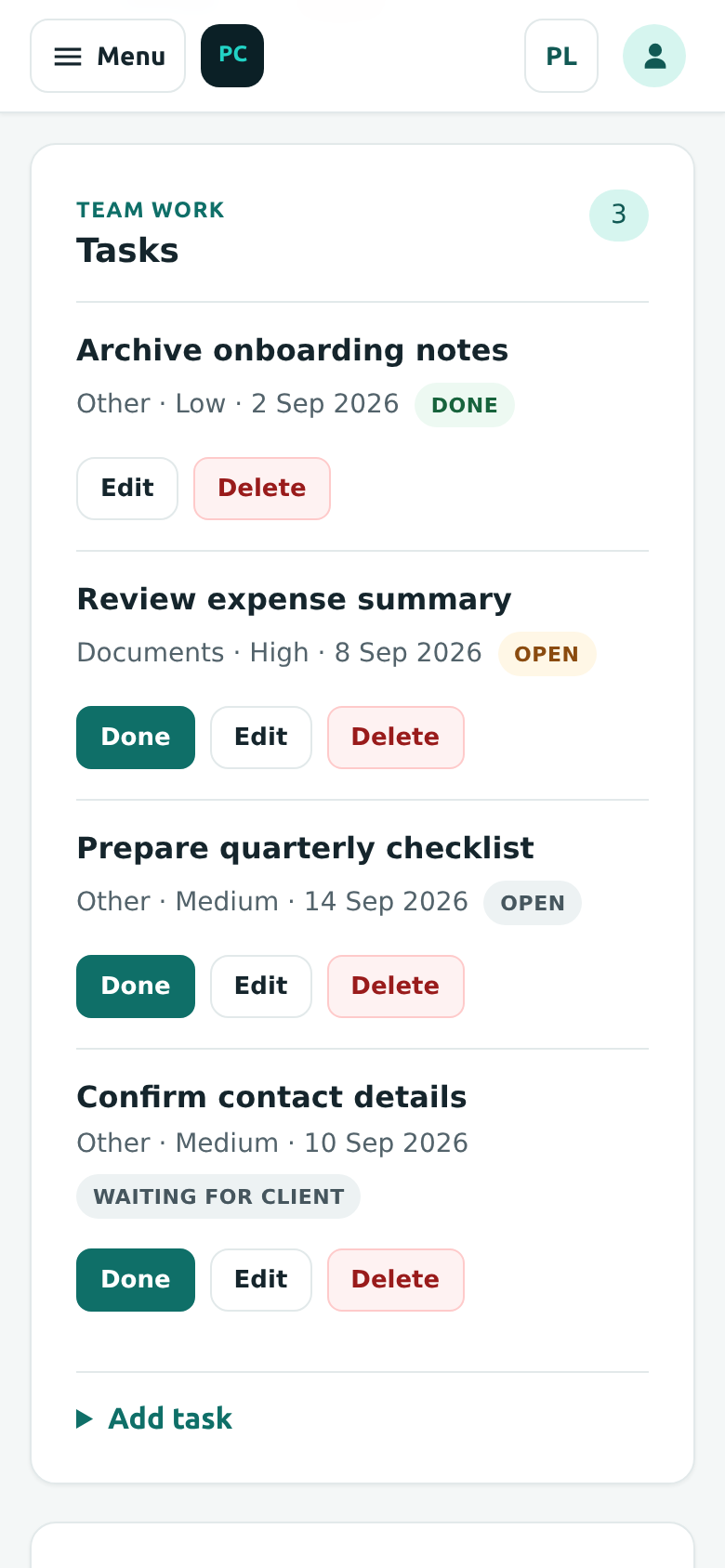
Tasks within a client workspace
Deadlines and statuses stay alongside the client's work, in the Tasks section of their workspace.
PracticeComply03 / Client tasks
Owned product / PracticeComply
Document requests, tasks and a client portal for accounting practices. Track what has been requested, what has arrived and what needs attention.
The problem
Client documents, outstanding requests and team tasks can become separate threads. A practice needs to see what is missing, who has responded and what should happen next.
PracticeComply brings these workflows into a workspace for UK accounting practices, with a separate portal for client responses. It supports the team’s decisions and responsibilities.
Products built and operated by us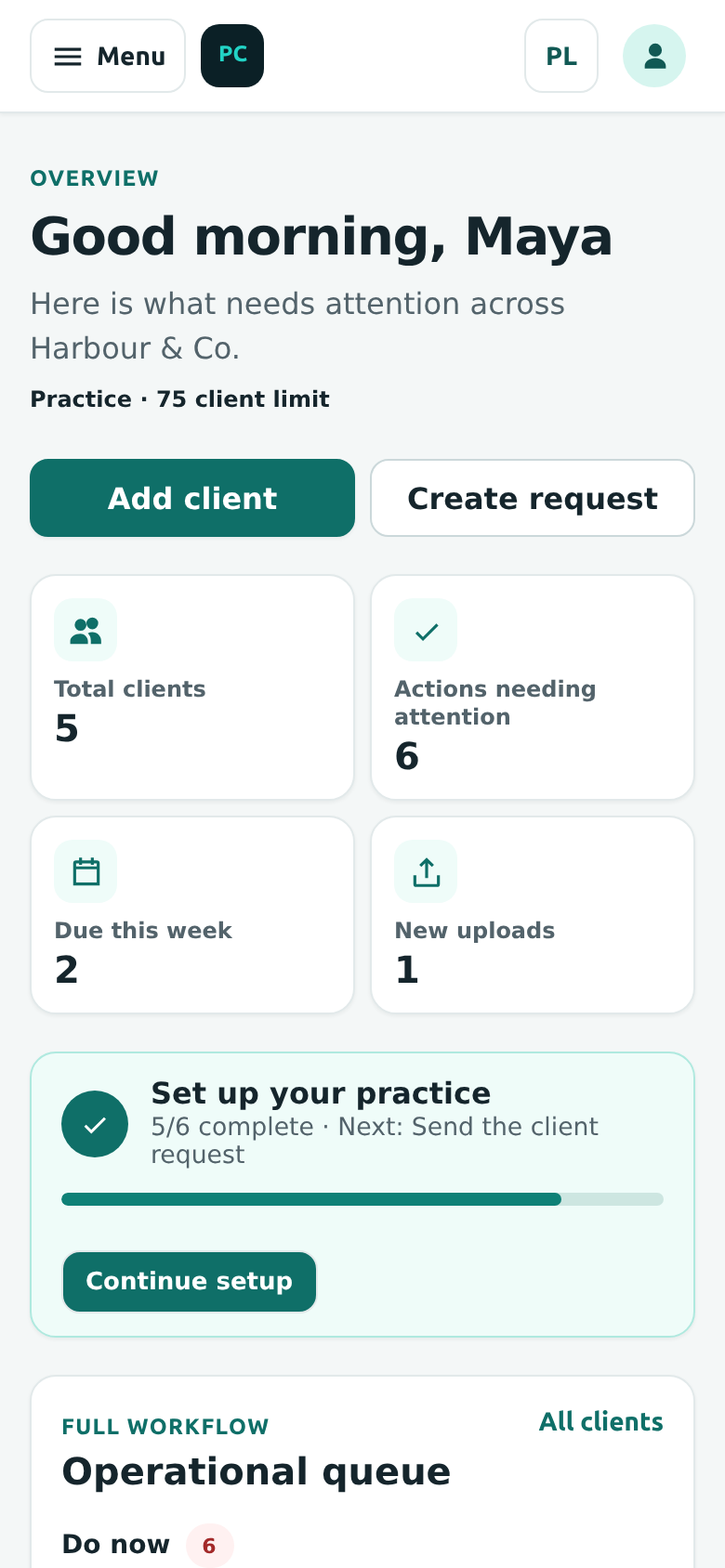
The dashboard brings client activity, upcoming actions and the operational queue together. Product demonstration with fictional data.
The core workflow
A clear handoff between the practice and its client, with status and activity visible to the team.
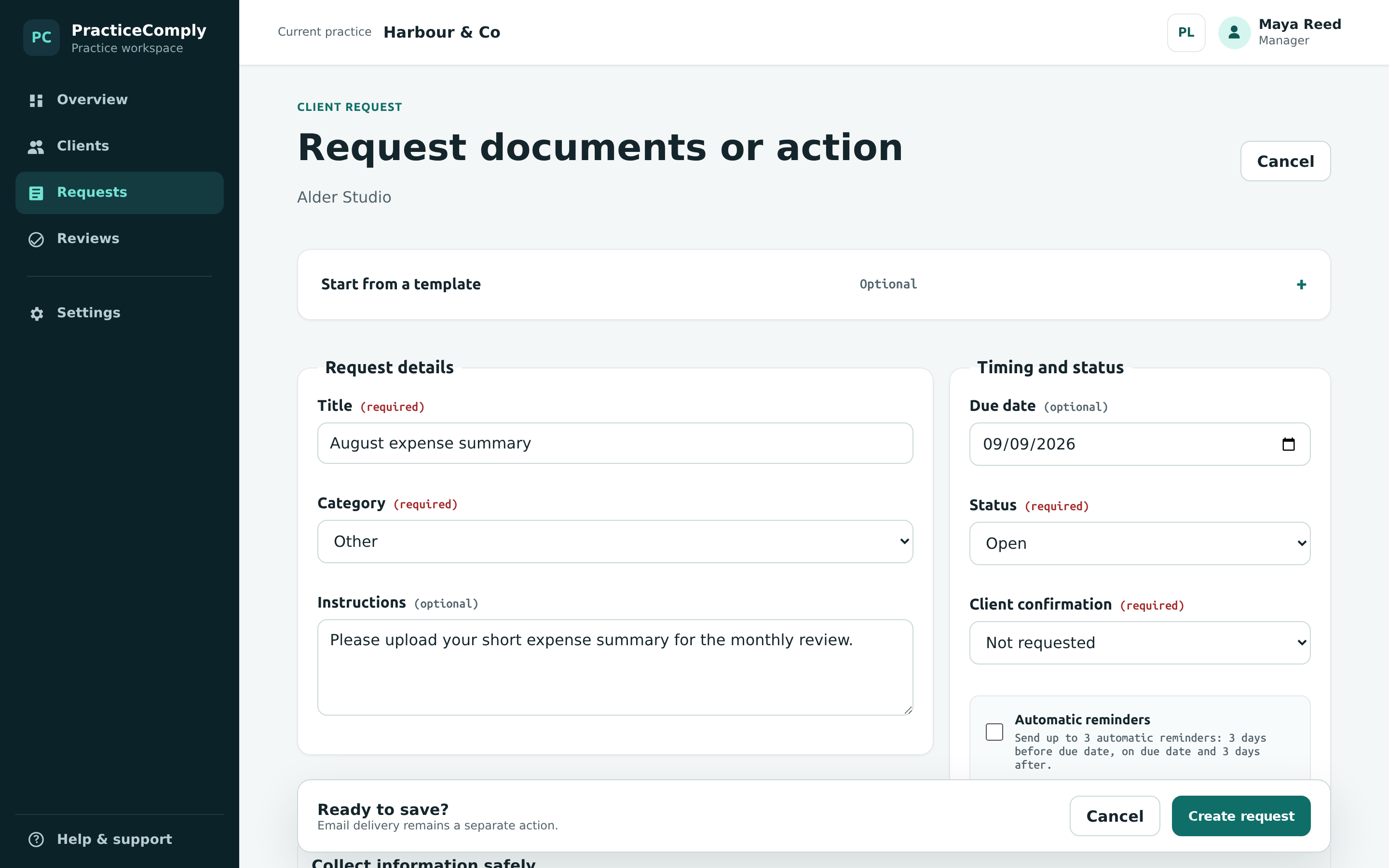
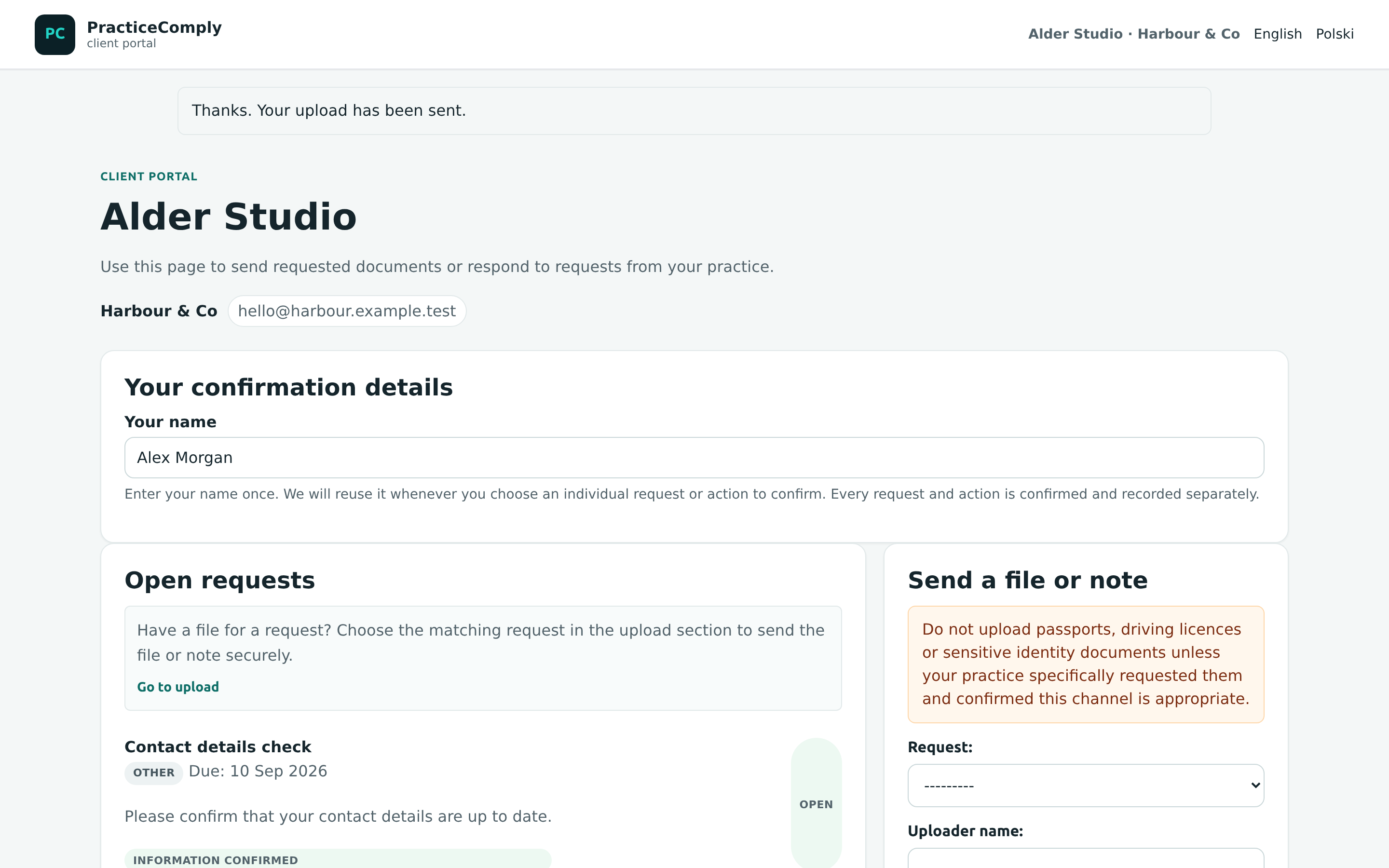
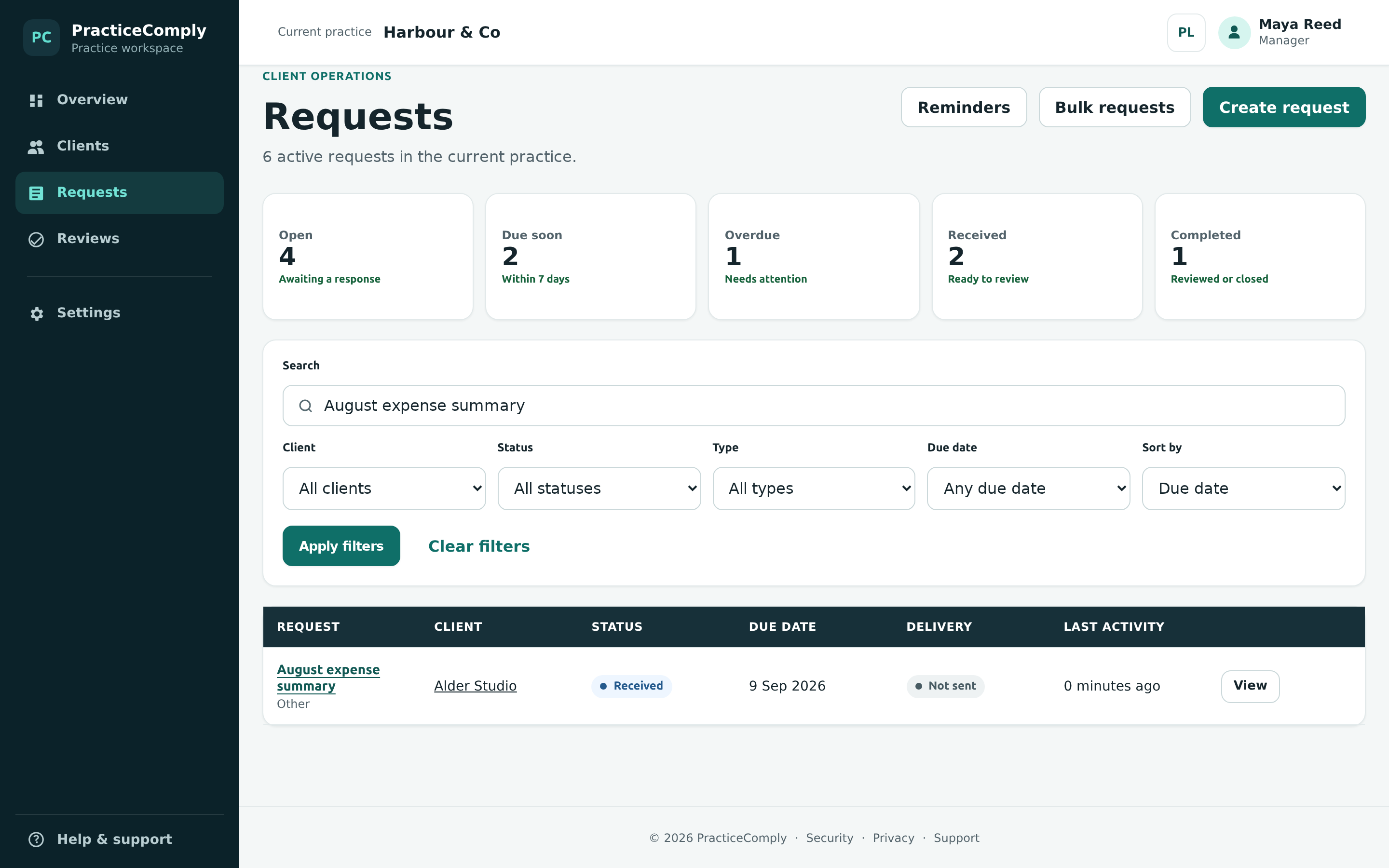
Local product demonstration with fictional data.
Inside the workspace
Requests bring client, due date and status together. The aim is to help the team follow the work without piecing it together from separate conversations.
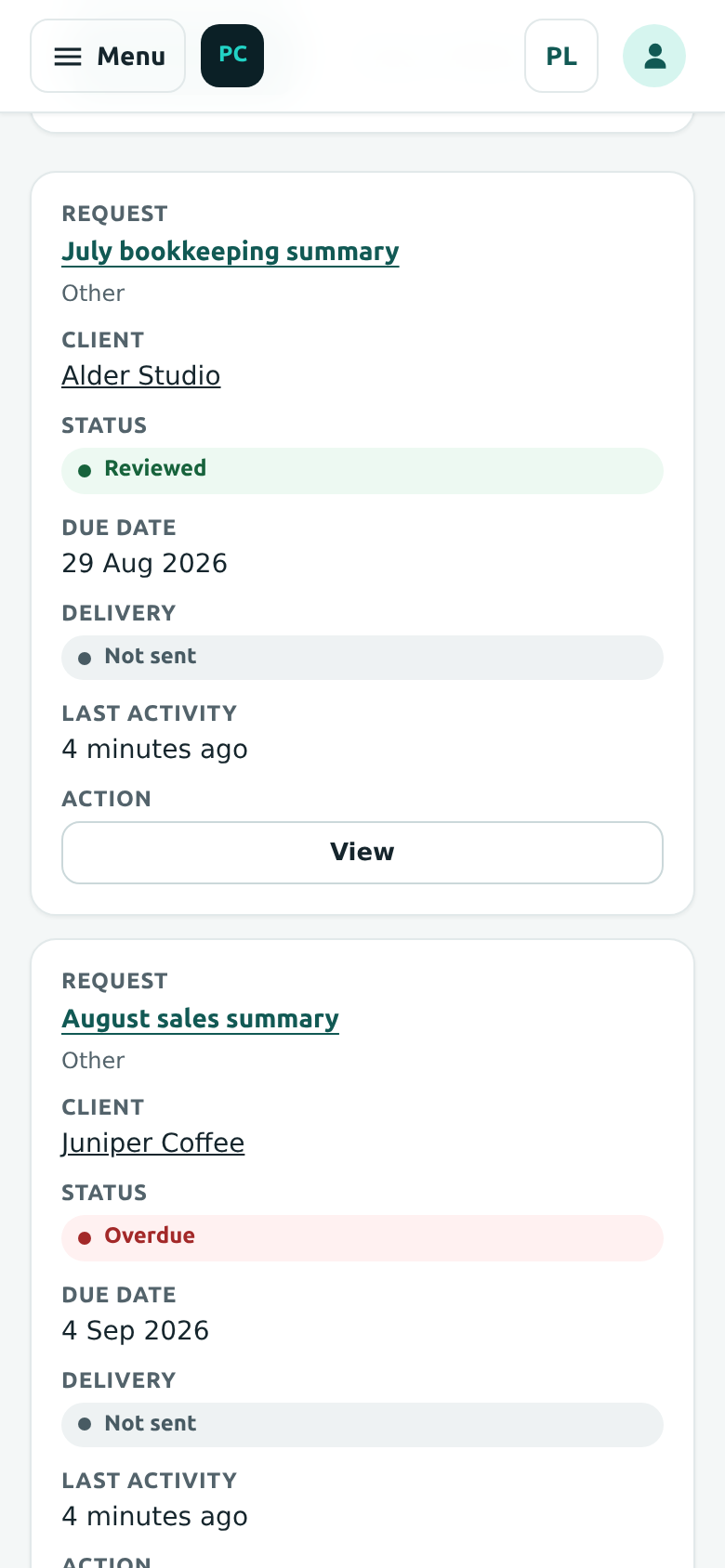
Deadlines and statuses stay alongside the client's work, in the Tasks section of their workspace.
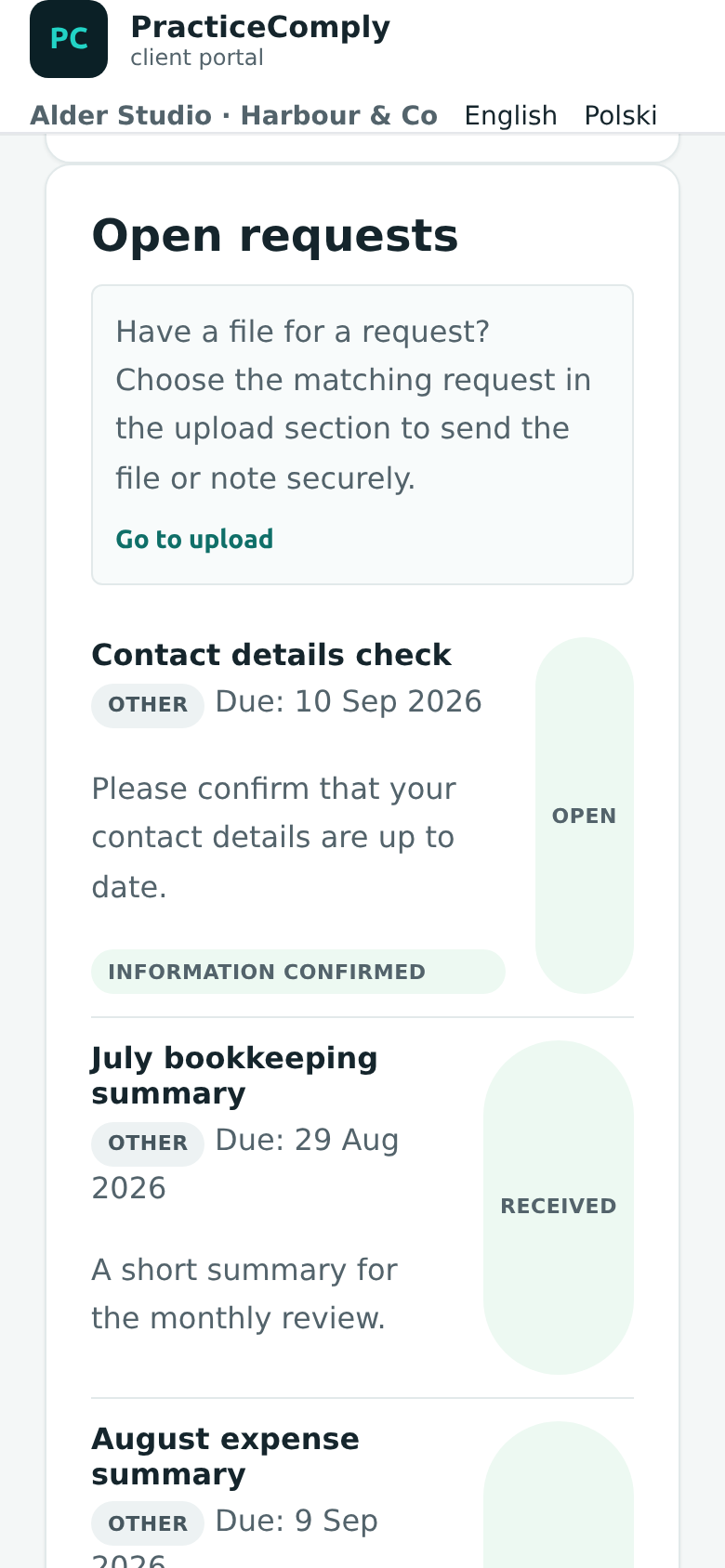
Document requests, individual confirmations and file submission.
What we built
Client operations, requests, tasks and reviews organised for the practice’s team.
A dedicated response journey for clients, connected to the practice’s requests.
Statuses, reminders and activity history to help teams follow up and review the work.
Different roles within the practice, with access shaped around team responsibilities.
PracticeComply’s operational workspace is distinct from its integration work. The product does not replace the professional judgement or responsibilities of an accounting practice.
Product demonstrations use fictional data. They illustrate the displayed workflow and do not confirm the state of the latest live release.
Planning a similar journey for your own clients? Explore our client portal development service
Have something in mind?
Tell us what your team currently handles through email, spreadsheets or separate systems.
Discuss a portal or business system hello@noctisstudios.dev